
Free to start
Download for free and run your first analyses at no cost. Buy credit packs or a subscription in the app only when you need more.
ChartLense for iPhone
Your trading chart, a clearer next step. Snap a chart, pick one from your photos, or share it straight from your trading app. ChartLense turns it into a clear, structured analysis in seconds.
For educational and informational use only. Not investment advice.
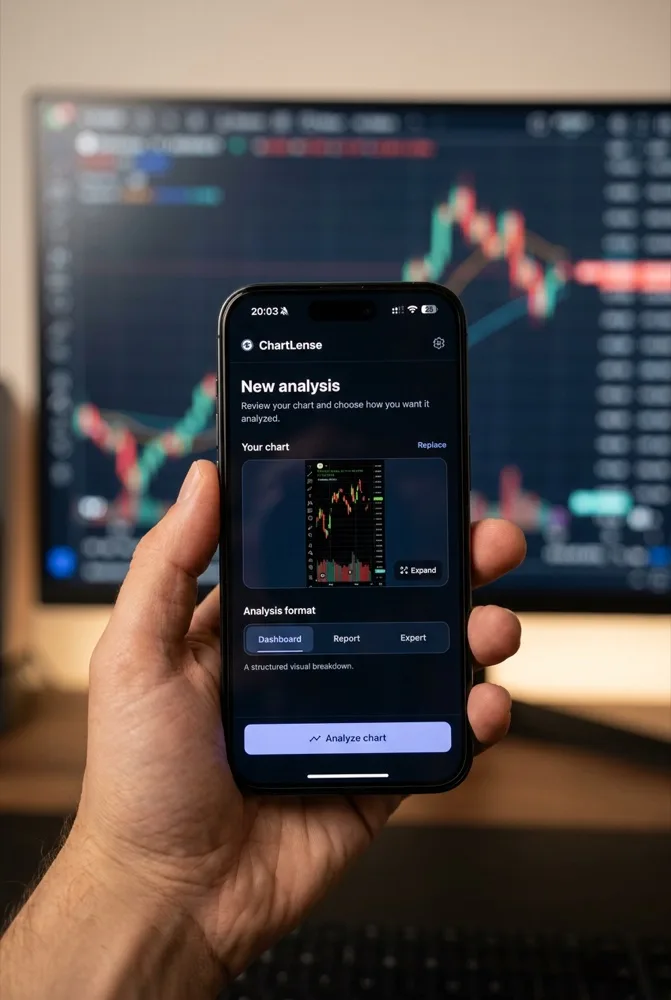
Works with any chart on your phone: TradingView, your broker app, a screenshot from a group chat, or a photo of a screen.
Take a photo, choose a screenshot from your library, or tap Share → ChartLense from any app. No copying, no uploading.
Dashboard for a structured visual breakdown, Report for a concise written overview, or Expert to analyze with your own custom instructions.
Trend bias, key support and resistance, the dominant pattern, risk factors, and a clear summary you can act on or ignore.

Same analysis engine as the ChartLense Chrome extension, used by traders on TradingView every day.
Download for free and run your first analyses at no cost. Buy credit packs or a subscription in the app only when you need more.
Sign in with Apple, Google, or email. Your ChartLense account works in the iPhone app and the Chrome extension.
Every term in the analysis is explained in the ChartLense Academy, free for everyone.
Chart images are sent only to generate the analysis you asked for and are not stored permanently. Camera and photo-library access are requested only when you use those features. You can delete your account directly in the app.